Outcome 1
White-background catalog shots for PDPs and marketplaces
Nano Banana 2 Lite is live on VibeArt for fast 1K creative branching, editing, and multi-reference composition. View live pricing and examples
Create ecommerce packshots, lifestyle product photos, premium skincare visuals, and ad-ready product images with a compare-first AI workflow.
This workflow is built for operators who need a result now: a clean product image, a faster ad variant, or a hero shot ready for PDP, email, or paid campaigns.
Outcome 1
White-background catalog shots for PDPs and marketplaces
Outcome 2
Premium beauty and skincare hero images for paid campaigns
Outcome 3
Fast same-prompt creative variants before you export a winner
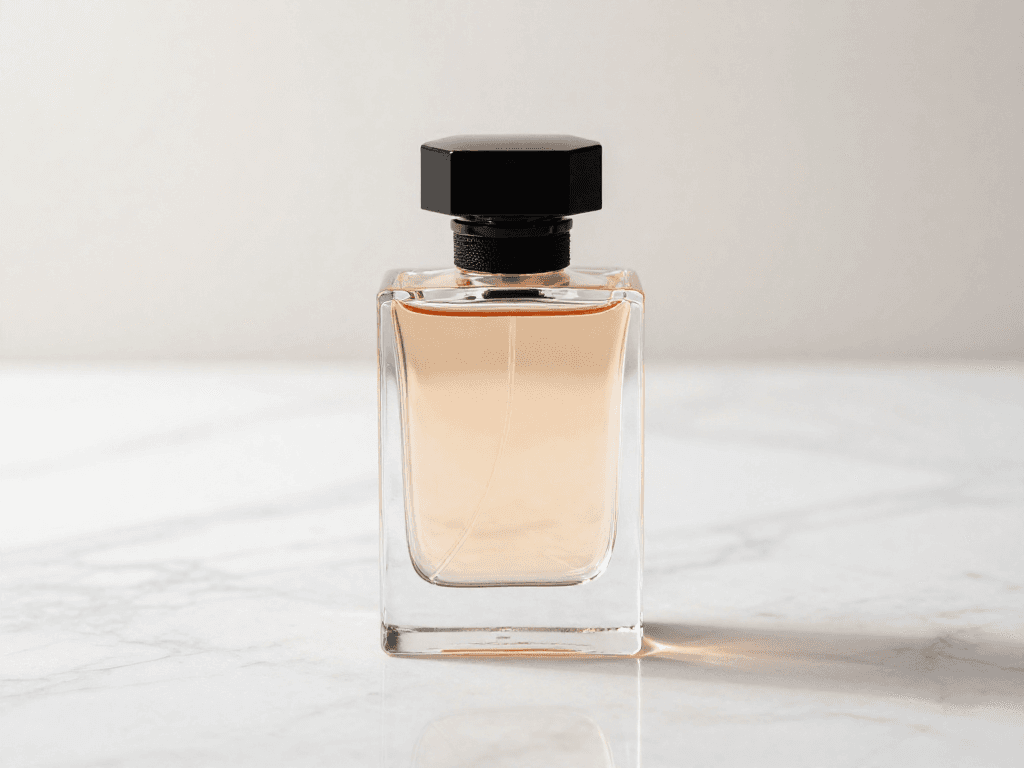
Curated outputs
Use Z-Image Turbo when you need to test composition, lighting, and framing before committing more credits.
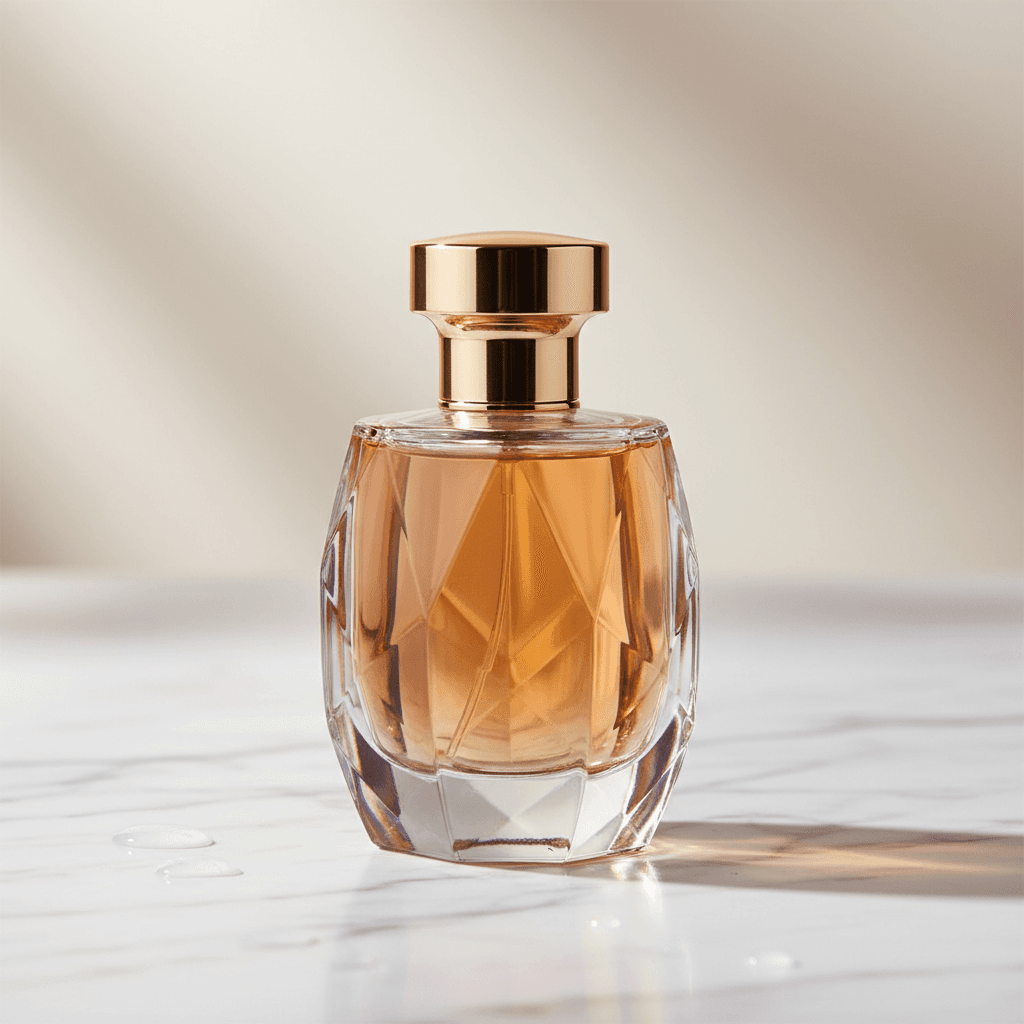
Flash is a strong default when you need commercial polish without slowing the iteration loop.
Prompt pattern
Elegant perfume bottle on marble surface, soft studio lighting, luxury product photography, minimalist composition, glass reflections, high-end cosmetic advertisement style
Workflow
Step 1
Describe the product, lighting, background, and the kind of result you need: PDP, launch ad, or catalog cutout.
Step 2
Run the same prompt across Z-Image Turbo and Gemini variants so you can compare sharpness, material feel, and ad readiness side by side.
Step 3
Keep the winning direction on the canvas, tweak the prompt, then export the final version once the composition is locked.
Why it works
Open a guest canvas and test a commercial product prompt immediately instead of forcing signup first.
Use Turbo for fast exploration, Flash for dependable quality, and Pro when premium materials or luxury detail matter.
Keep working prompts, failed attempts, and final selects on one canvas so the iteration loop stays visible.
FAQ
Open the canvas, run the prompt, compare outputs, and keep moving with the version worth shipping.
Generate product photos