AI caricature generator FAQ
One page covers free setup, photo-to-caricature creation, line art, groups, likeness, and print-ready ratios.
Can I make a caricature of me from one photo?+
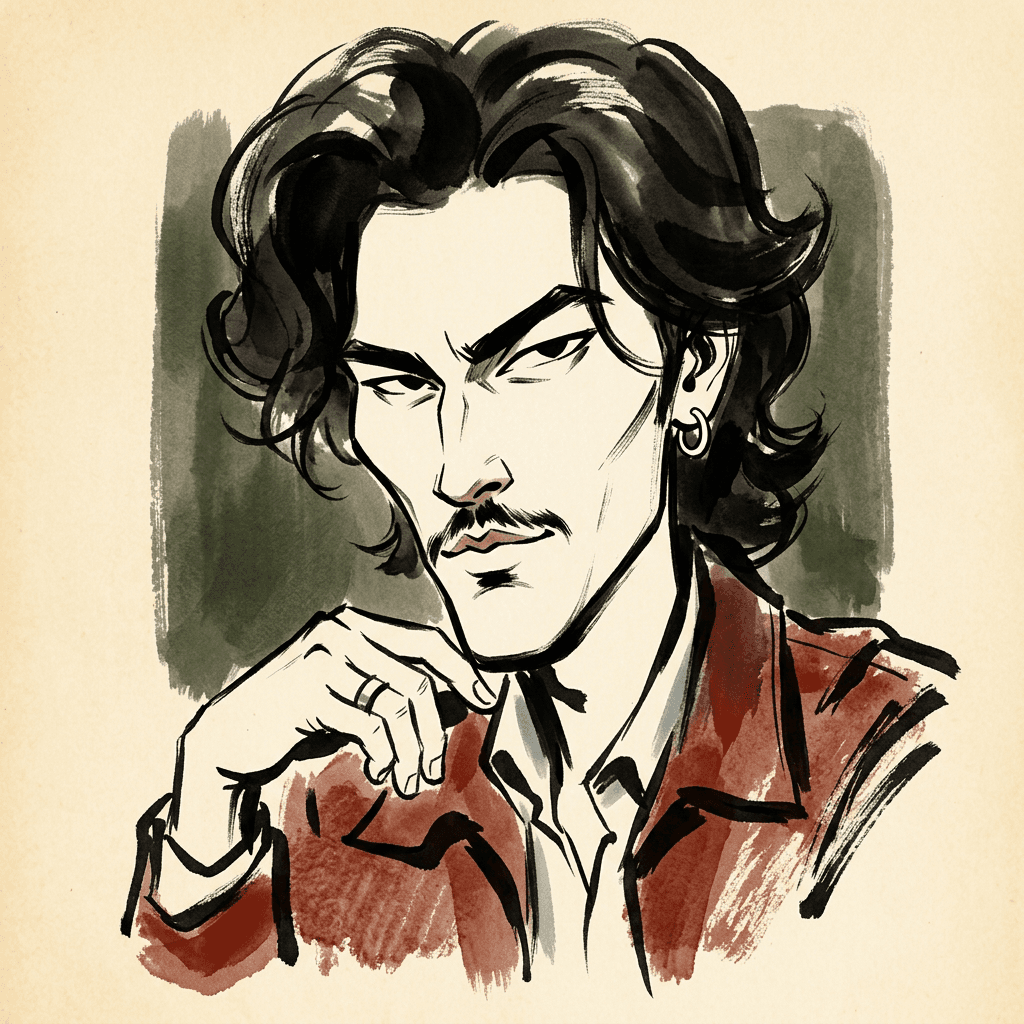
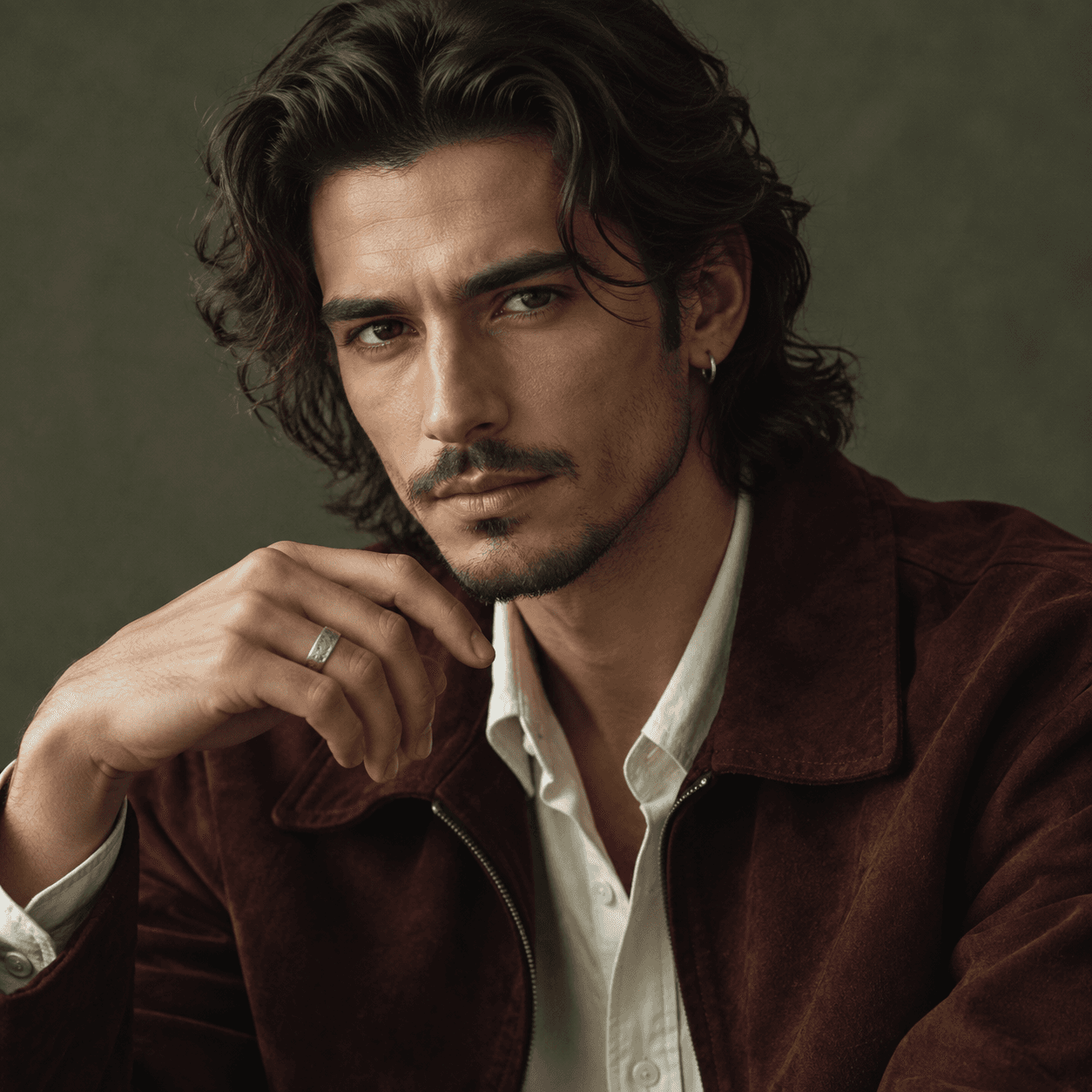
Yes. Upload a clear portrait, choose exaggeration, treatment, style, background, ratio, and output count, then generate. The source photo remains linked to every result in Canvas.
Is the caricature generator free?+
Choosing a photo and configuring the caricature is free. New accounts may receive trial credits; each generated output uses credits for the supported model and 1K resolution.
Can this caricature creator handle group photos?+
Yes, but each face should be clear, unobstructed, and large enough to inspect. More faces increase the risk of feature swaps, omissions, or weaker likeness, so review every person.
Can I create line-art and color AI caricatures here?+
Yes. Choose Line art or Color illustration, then pair it with editorial, comic, hand-drawn, or stylized 3D direction on this same page.
Will the result look exactly like the people in my photo?+
The prompt prioritizes the number of people, facial structure, hair, skin tone, pose, and distinguishing features, but AI and caricature exaggeration can still change details. Exact likeness is not guaranteed.
Are uploaded portraits public?+
No public link is created by default. Upload happens only after sign-in and generation starts, and the source and results stay in a private Canvas session unless you share it.